COURSE DESCRIPTION
This course may be eligible for CEUs*
Level 1 Adobe Illustrator Certificate
Adobe Illustrator is a flexible and user-friendly new software that allows you to create attractive designs and images using vector graphics. In addition, it allows you to create small image file sizes – as opposed to other graphics design software, where file sizes are enormous – and print them out in high quality.
If you’re just starting out, this video course on Adobe Illustrator shows you how to use the tools and introduces different features that you can use, to create magnificent designs.
One of the most useful points is that Adobe Illustrator offers compatibility with other Adobe products and integrates with interfaces, such as Adobe After Effects.
In this course, you will learn:
This course on Illustrator covers the following topics:
- The fundamental differences between Adobe Photoshop and Illustrator, and how each graphic interface works;
- How to open different types of new files for different requirements;
- The icons, elements and features on the Illustrator home page, and how to access each one;
- The features and benefits of using the Pen tool, and how you can use it, to create new designs, by creating pivot points, etc.;
- Using the Line Segment, Spiral and Grid tools, to build an image;
- An introduction to shape tools, and how to use them;
- How to manipulate the Paintbrush and Colour features, to obtain the desired effects, including 3D and gradient effects;
- How to use the Scale, Rotate, Reflect and Width tools, to create the designs that you want;
- How to use and manipulate layers, to insert different elements into your final design;
- How to use the Shape Builder and Free Transform tools, to give your image the final touches and fine-tune it.
Course Benefits:
The benefits of studying this course on Illustrator include:
- You will be able to use the tools and features, to create drawings, designs and logos for both personal and professional use;
- You will be able to create attractive and aesthetic information graphics and resize every design to your requirements;
- You will be able to use vector graphics, to create trace drawings and maps.
FREQUENTLY ASKED QUESTIONS
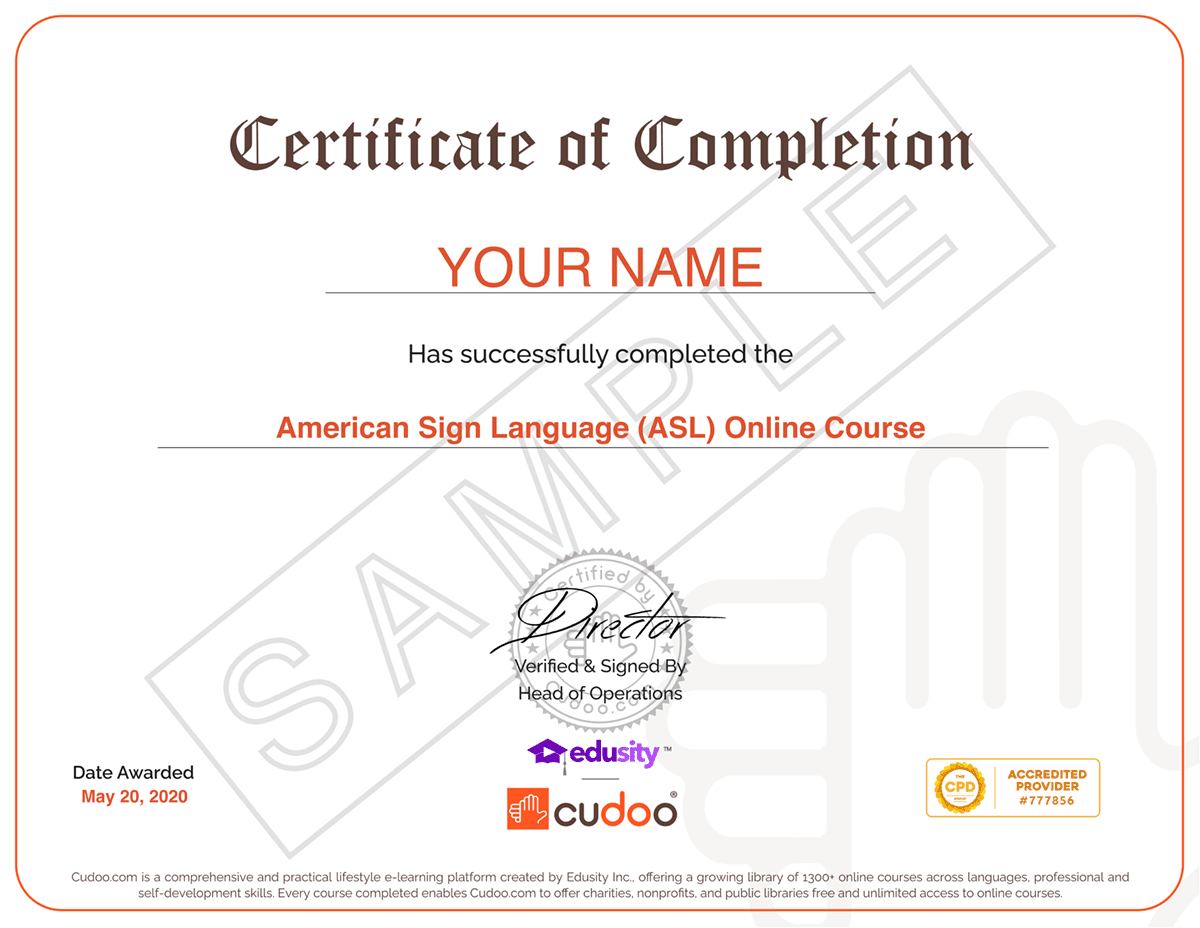
EXAMPLE CERTIFICATE
FIND OUT ABOUT OUR USERS’ EXPERIENCES
1,867 Reviews For Adobe Illustrator Certification
RELATED PRODUCTS


One-time payment
14-Day Money-Back Guarantee
Course features:
- 3 - hours
- Full Lifetime Access
- Certificate of completion
- 8589 Enrolled
Book with Confidence

14-Day Money-Back Guarantee
Looking to train 5 or more people?
Get your team access to Cudoo's library of over 1300 courses.
Try Cudoo EnterpriseDo You have a Question ?
Ask any queries or doubts about this course & get responses from Teachers